Upgrading or switching your Ship Management Software should be a major step forward for your fleet’s operational efficiency. Yet, for many fleet managers and superintendents, the thought of software migration raises concerns: What happens to years of Planned Maintenance System (PMS) history? Will critical equipment logs be lost in translation? And what happens if a Class surveyor or vetting inspector comes on board during the transition?
At Mastex Software, we regularly speak with shipping companies who remain trapped in outdated legacy software. Not because they are satisfied with them, but because they fear the perceived chaos and risks of data migration.
The reality? Migrating to a ship management software does not require starting from scratch or risking compliance gaps.
With structured preparation, standardised data import templates, and dedicated implementation support, you can transfer your complete operational history seamlessly while maintaining 100% data integrity. Here is how to navigate a software switch without losing a single line of historical data.
Phase 1: Audit and standardise your existing fleet data
Before transferring a single file, take stock of your current database. Transitioning systems provides the ideal opportunity to clean up duplicate spare parts, redundant records, and inconsistent equipment naming conventions across vessels.
- Standardise equipment taxonomies: Ensure equipment lists, sub-components, and part numbers are named consistently across every vessel in your fleet.
- Consolidate audit-critical logs: Identify key historical records required for class audits, survey reports, and Planned Maintenance System (PMS) compliance.
- Define user access: Determine in advance who should be able to create, edit, and/or delete data, both on board and ashore, based on their responsibilities and required access level.
Phase 2: Use pre-structured data templates for rapid bulk import
Manual data entry is prone to human error and consumes hundreds of valuable operational hours. Modern platforms eliminate this bottleneck by utilising standardised data import frameworks.
In MXSuite, for example, fleet administrators can download pre-configured load sheets directly from the administration module. By populating these standardised Excel templates with your existing maintenance records, equipment specifications, running hours, and spare parts stock levels, your operational history can be bulk-uploaded into the system cleanly in a matter of hours.
Phase 3: Secure vessel-to-office synchronisation and offline continuity
One of the biggest concerns during fleet software migration is connectivity at sea. Vessels operating in remote offshore areas or ocean routes cannot depend on stable cloud connectivity.
A hybrid synchronisation model resolves this challenge without interrupting daily reporting:
- Local onboard database installation: Crew members continue logging daily maintenance, safety drills, FLGO usage, and stock updates locally without requiring an active internet connection.
- Automated background sync: As soon as an internet connection is established, data automatically synchronises between ship and shore. Office teams in technical management always view a single, accurate version of the truth.
Phase 4: Crew and staff training
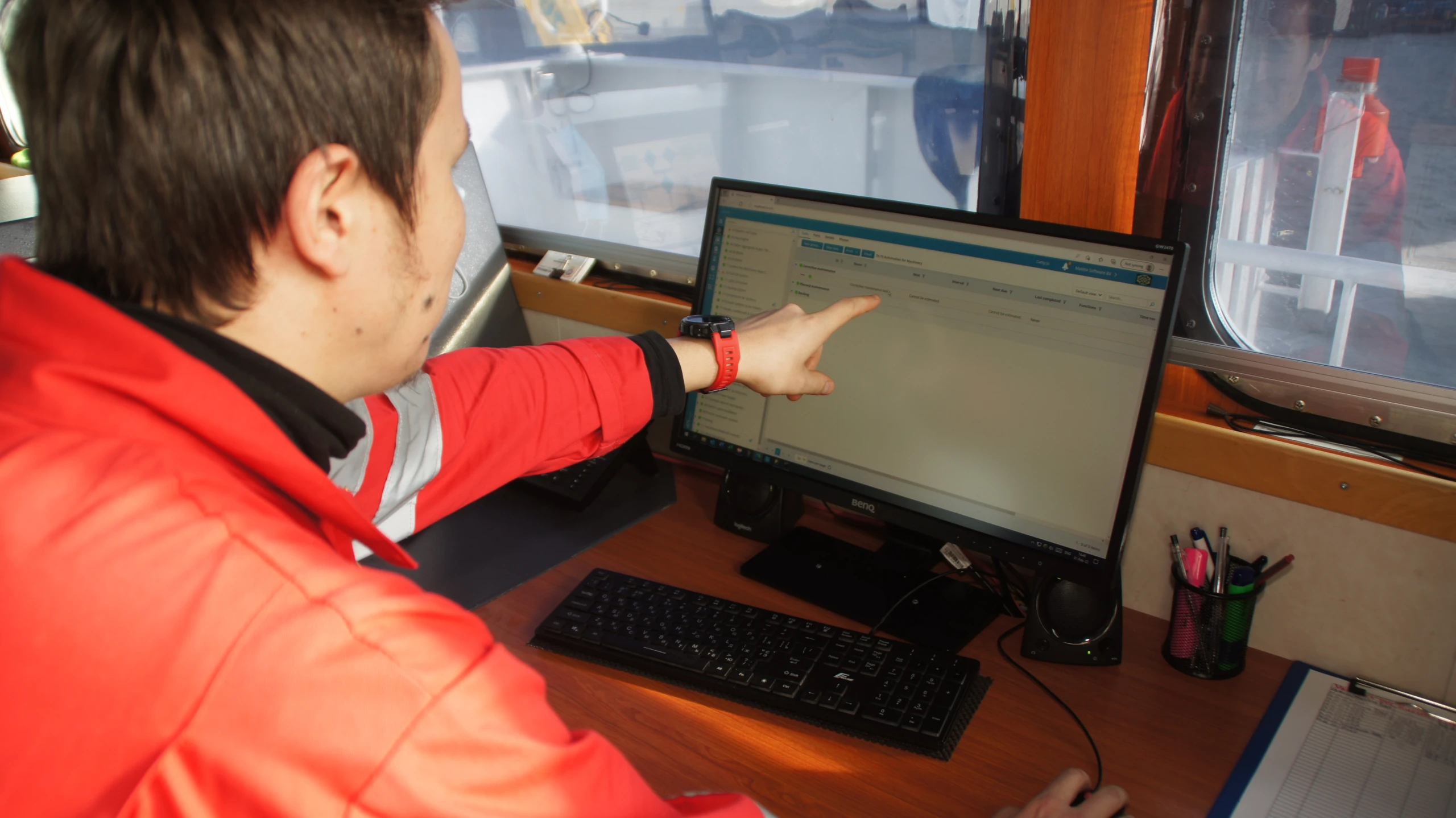
A ship management system is only as effective as the people operating it, both at sea and in the office. Smooth adoption requires moving away from heavy, passive paper manuals and focusing on practical, accessible onboarding for crew members and shore-based teams alike.
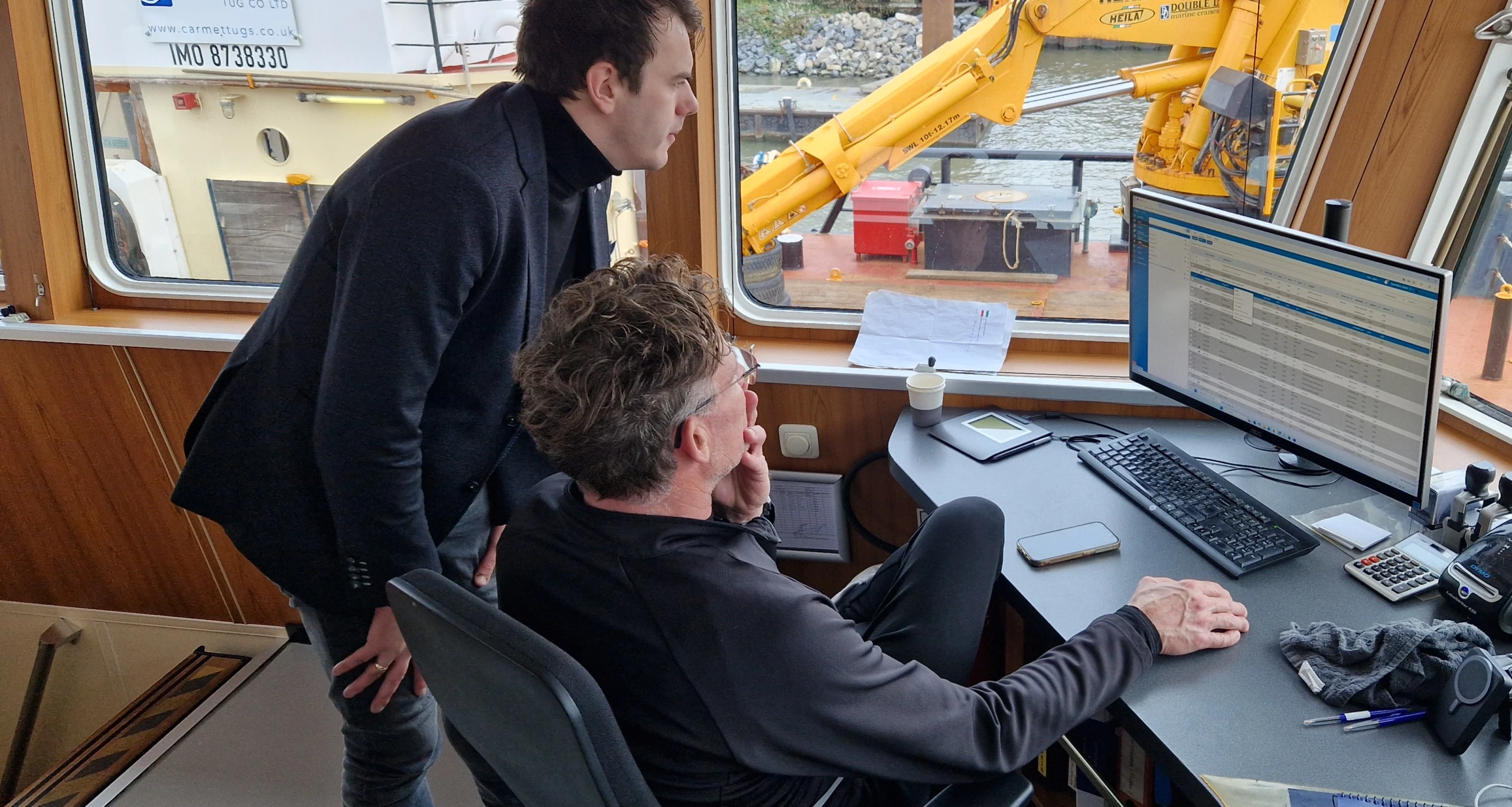
- Train-the-Trainer approach: Empower key superintendents, fleet managers, and chief engineers first. When your office staff and senior officers master the system, they can confidently guide onboard teams and streamline daily reporting.
- Role-based onboarding: Tailor the training to daily workflows. While office staff focus on fleet-wide compliance, procurement workflows, and dashboard reporting, onboard crews focus on logging routine tasks, safety drills, and stock updates.
- Modular e-learning: Provide short, interactive video modules featuring clear walkthroughs and subtitles (available in English and Dutch). This allows both office personnel and new crew members to get up to speed quickly, at their own pace, without interrupting daily operations.
Ready to switch your ship management system?
Switching your fleet management software does not have to be a leap into the unknown or a risk to your compliance status. With structured import templates, offline capability, and hands-on support, Mastex Software ensures you retain total control of your historical data while modernising your daily workflows.
Want to see how we can help your company to move from your old system to our system? Book a free and personalised demo.