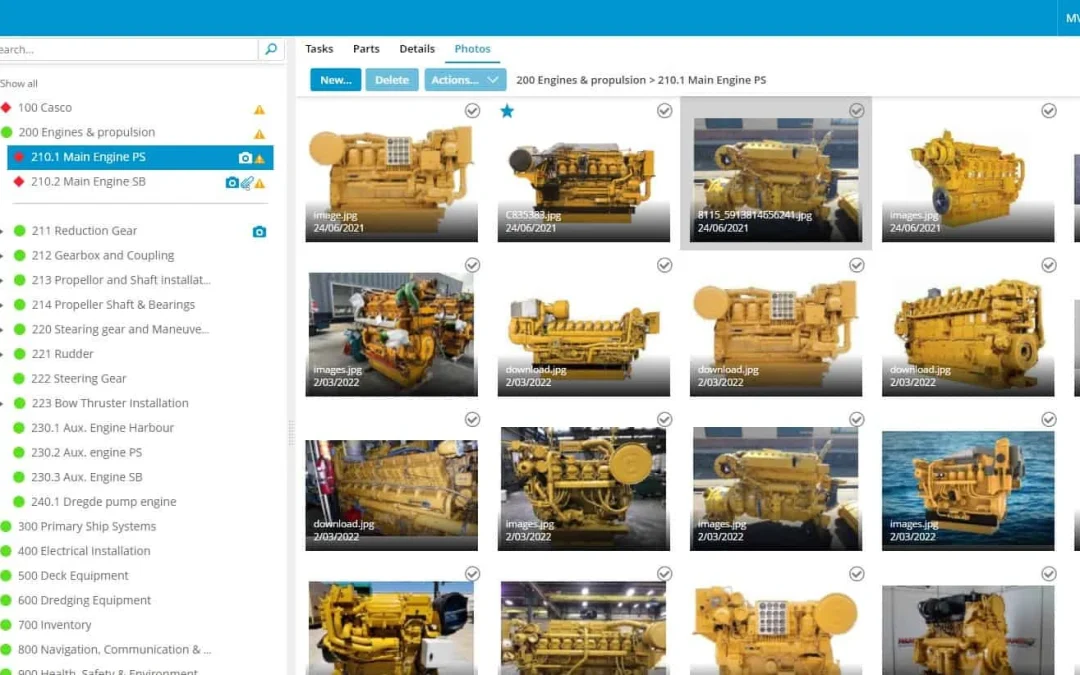
Let me give you an example. If you have a certain flange pattern of an item that needs to be repaired. It is more convincing to sen the right image than just the technical specifications. When you mark a task as done, then you can upload photos as well. But this is...
If you do not have administrative rights, it is likely you cannot adjust the views. But if you are a system administrator and you consider it hard to setup different views, feel free to contact us with your query. If there are small issues we are happy to help you, or...
Class Societies On a regular base we receive the question if MXSuite has a type approval. This article describes what a type approval is and what the requirements of a planned maintenance system (PMS) in general are with the special requirements for software. MXSuite...
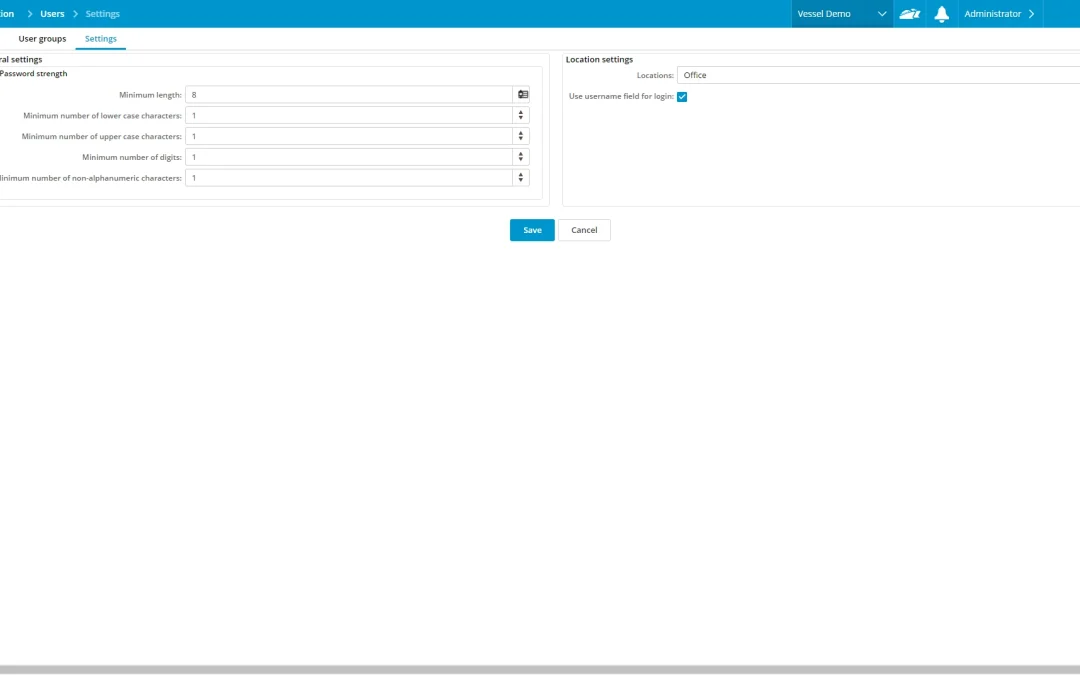
If you want to adjust your settings, go to: Administration > Users > Settings. Easy login The left side of the screen shows the password settings. The right side gives you the option to have an empty username field, or a dropdown list with the usernames visible...
Now available The following modules are now available in version 3.0: • Assets Tasks (Maintenance) • Assets Parts (stock control) • Certificates • Safety • QHSE & Documents • IHM and more… If you want to upgrade your current version of MXSuite, please contact...
Different level of rights First of all we consider the administrative level. This is to configure how the software works: setting up user rights, configuring the purchase flow company settings default settings The second level is the Fleet management level Determine...